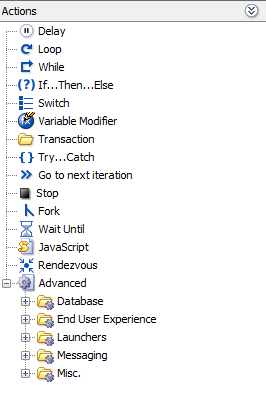
Logical actions can be inserted in a User Path in two ways:
drag and drop the Action from the Actions panel to the desired location in the User Path tree
select the desired location in the User Path tree to insert the item, right-click and according to the selected location, select Insert as child or Insert after