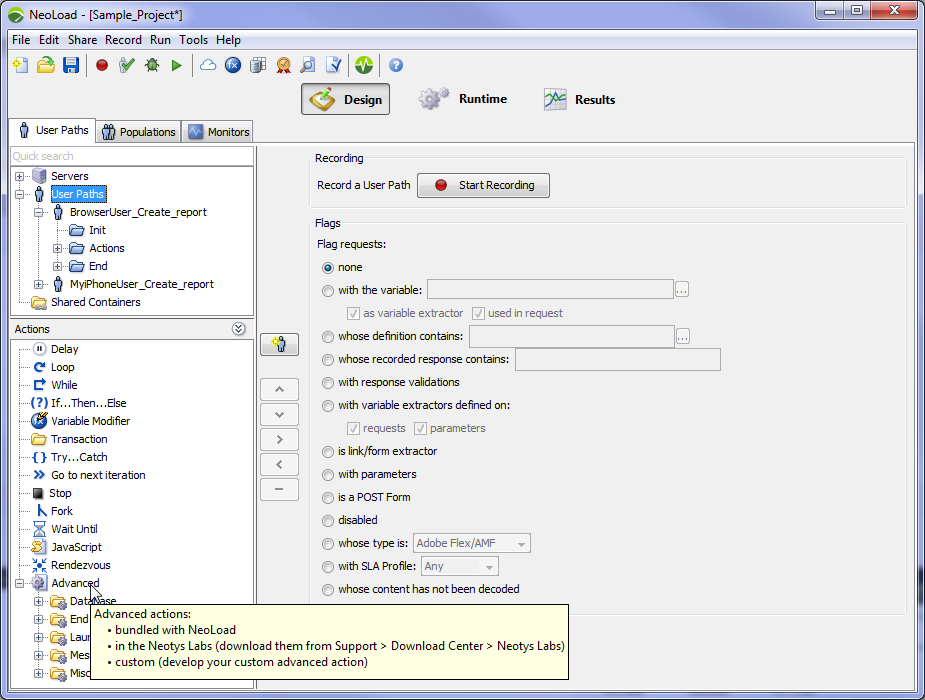
Advanced actions extend the behavior of a User Path.
To learn more about how to create a Custom action, refer to the tutorial: Custom action API: Create a Custom action.
lib/extlib directory of the NeoLoad project if the project is collaborative or will be exported to NeoSenseextlib directory of your <install-dir> folder if the Custom action will be used in several projectsThe JAR is automatically sent to Load Generators.
The main panel indicates the name of the Advanced action and its version.
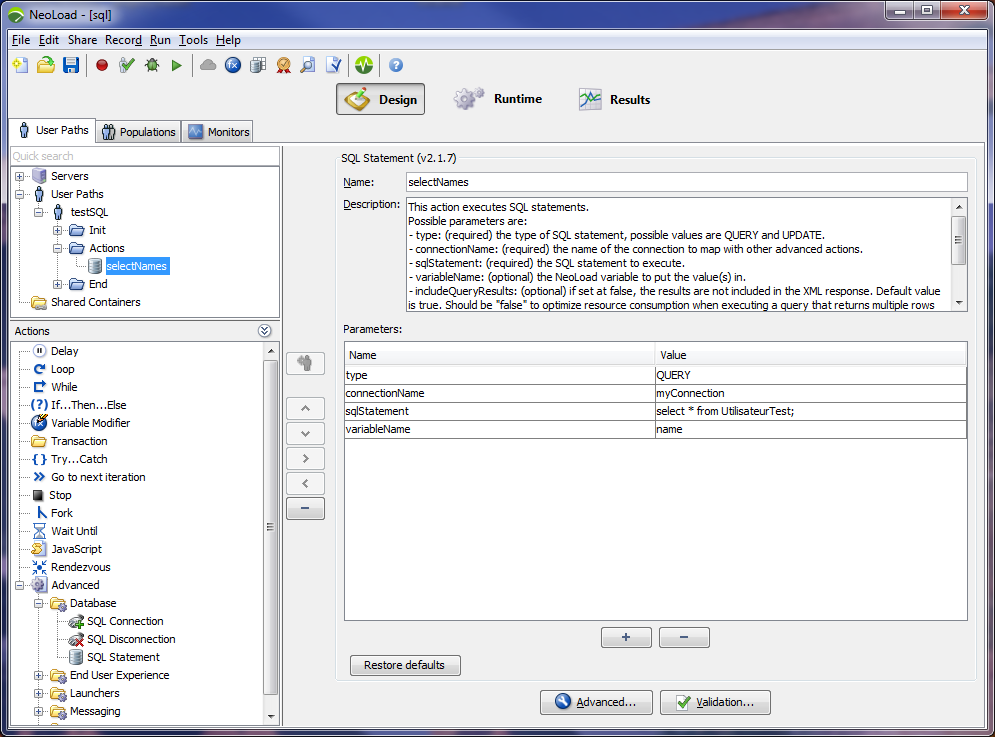
 to edit a parameter value on several rows.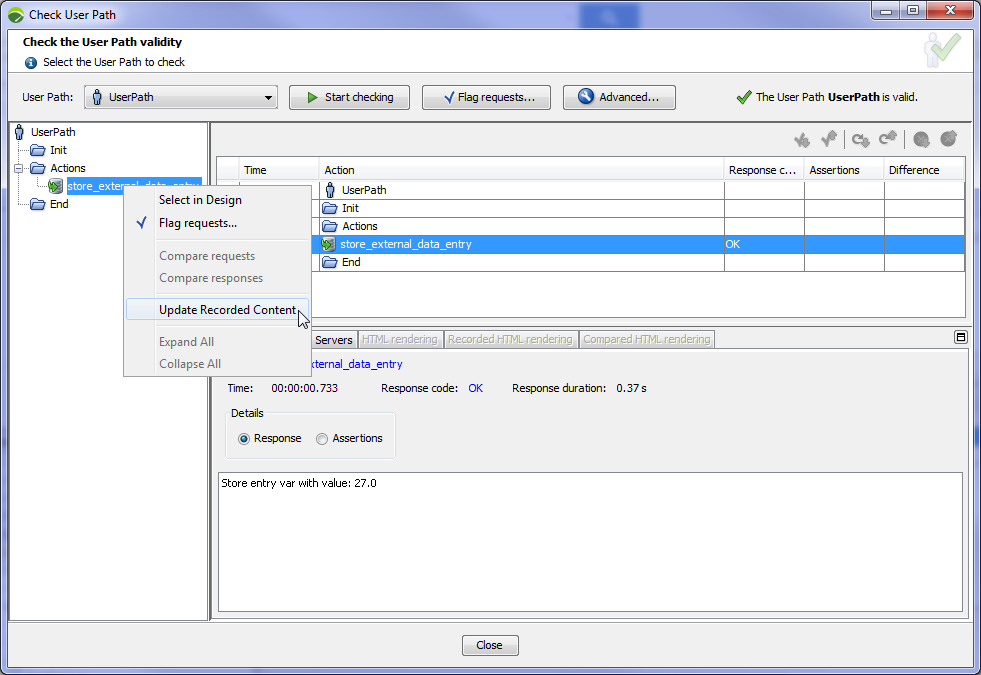
For more information on the Check User Path dialog, refer to Check a User Path.
By default, Global Validation does not apply to Advanced actions. To enable it, check the Apply global validations on advanced action responses in Edit > Preferences > Project Settings > Runtime parameters.
${NL-CustomResources} to access the synchronized folder on the Load Generator.