This section describes how to create a Java project to implement the Data Format Extension API. It is necessary to read beforehand:
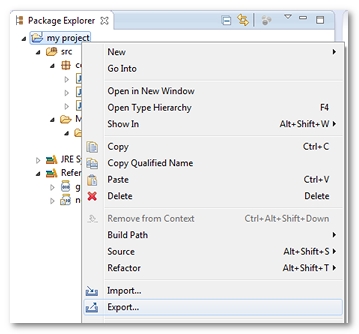
In Eclipse, a right-click on the Java project gives access to the Export command.
The Export dialog is displayed.
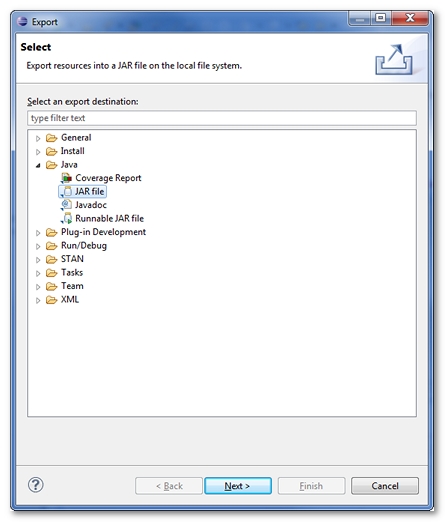
Under the Java category, the JAR file type must be selected before clicking on the Next button.
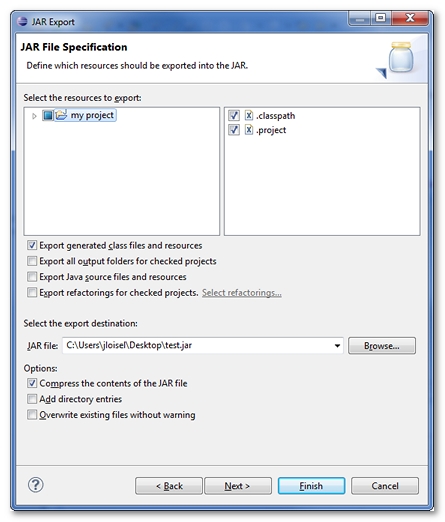
In the JAR Export dialog box, it is necessary to Select the export destination.
A click on Finish validates the export. The JAR which contains the API implementation is now exported and ready to be used in NeoLoad. For more information, see Data Format Extensions.