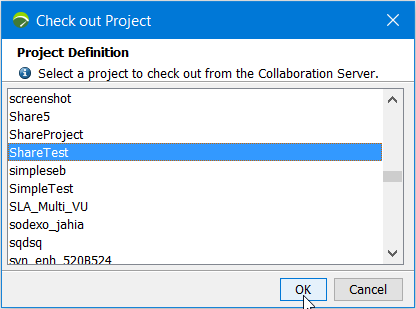
After one team member has migrated the remote project in Neotys Design Studio 5.5, as described in Migrate a collaborative project, the other team members must:
To check out the remote project, Neotys Design Studio 5.5 must be started. The Welcome to Neotys Design Studio 5.5 screen is displayed. To check out a project, the Share > Check Out Project command must be chosen. The list of the projects shared on the collaboration server is displayed.
The project to check out must be selected in the list. Once selected, Neotys Design Studio 5.5 makes it possible to give it a local name. The name can be different from the project collaborative name. By default, the suggested local name is the same as the remote one.
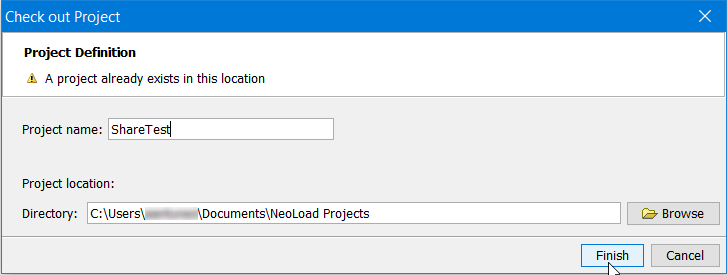
A click on Finish launches the retrieval of the project and the Project Sanity Check function is started automatically in background. When consistency errors or warnings are detected, the Project Sanity Check wizard is displayed, as described in Check the sanity of a project at design time.
If the Project Sanity Check wizard is displayed, you are able to see the project consistency errors or warnings.