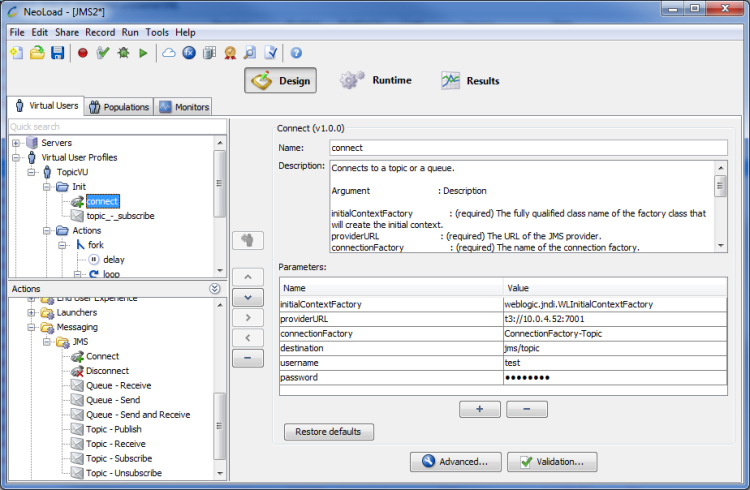
The Connect JMS Advanced action is used to connect to a topic or a queue.
Supported JMS API versions: 1.1 and 2.0.
extlib directory of your installation.
Parameters
AUTO_ACKNOWLEDGE, CLIENT_ACKNOWLEDGE or DUPS_OK_ACKNOWLEDGE.Examples
An example of an SSL connection to a Tibco queue:
com.tibco.tibjms.TibjmsQueueConnectionFactoryssl://tibco.example.com:7222SSLQueueConnectionFactorymyQueueNameuserNamepasswordcom.tibco.tibjms.naming.security_protocol=ssl,com.tibco.tibjms.naming.ssl_enable_verify_host=true,com.tibco.tibjms.naming.ssl_enable_verify_hostname=false,com.tibco.tibjms.naming.ssl_trusted_certs=${NL-CustomResources}/my_certificate.cercustom-resources' folder of the NeoLoad project. The ressources contained in this folder are automatically pasted into the Load Generators. The ${NL-CustomResources} variable is used to access this folder from the Load Generators.An example of connecting to a Oracle Weblogic topic:
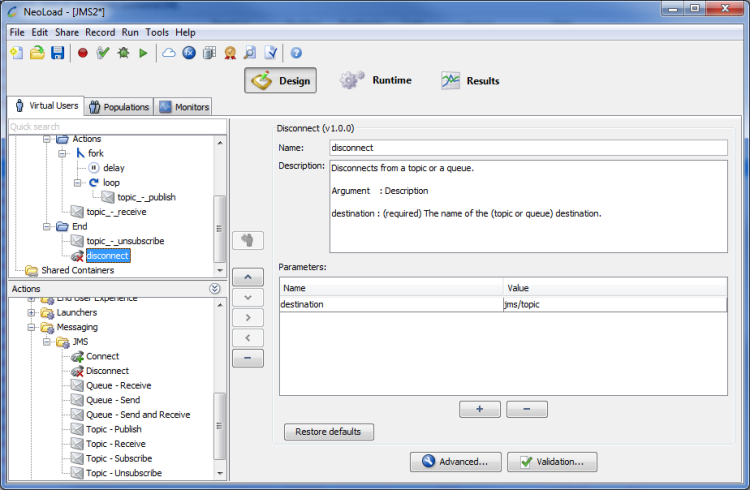
weblogic.jndi.WLInitialContextFactoryt3://10.0.0.51:7001myTopicFactorymyTopicNameuserpasswordThe Disconnect JMS Advanced action is used to disconnect from a topic or a queue.
Parameter
Example
An example of disconnecting from a queue:
destination: myQueueName
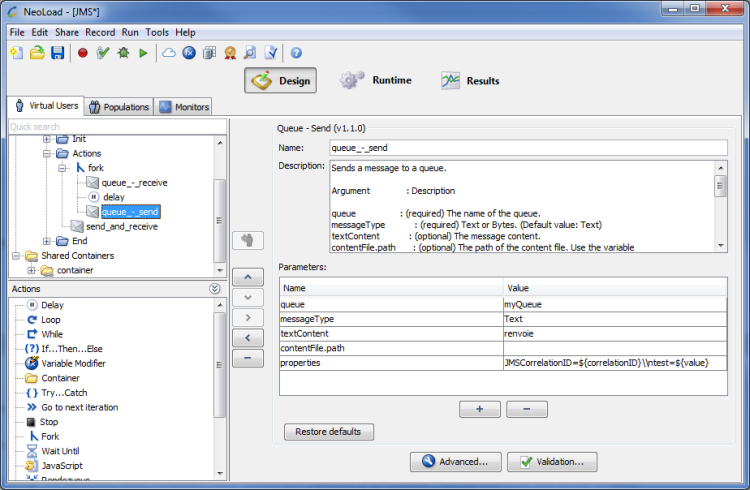
The Queue - Send JMS Advanced action is used to send a message to a queue.
Parameters
String. The value must follow the pattern name=[class]value separated by "\\n". JMSCorrelationID=${correlationID}\\ntest=${value}.Tip: Click the pencil icon  to add a row per property when editing in the multi-lines dialog.
Examples
An example of sending a message on a queue:
An example of sending a bytes message from a file:
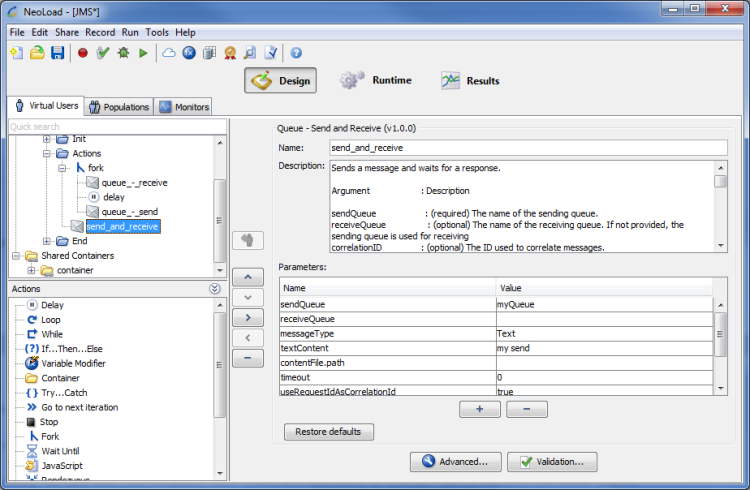
The Queue - Send and Receive JMS Advanced action is used to send a message. It waits for a response.
Parameters
'${NL-CustomResources}' to access on the Load Generator the synchronized resources located in the 'custom-resources' folder of the project.DeliveryMode.NON_PERSISTENT.String. The value must follow the pattern name=[class]value separated by "\\n". size=[Integer]150.Tip: Click the pencil icon to add a row per property when editing in the multi-lines dialog.
Examples
An example of send and receive on one queue:
An example of send and receive on two queues:
The Queue - Receive JMS Advanced action is used to receive a message from a queue. It waits until the message is received.
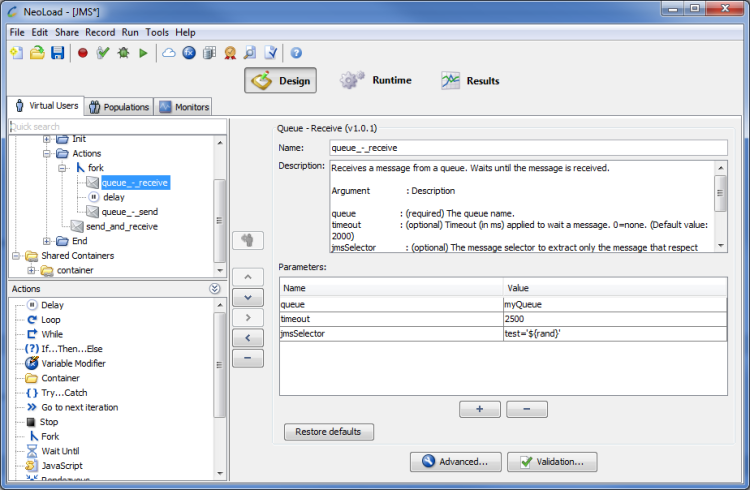
Parameters
Example
An example of receiving message:
The Topic - Subscribe JMS Advanced action is used to subscribe to a topic.
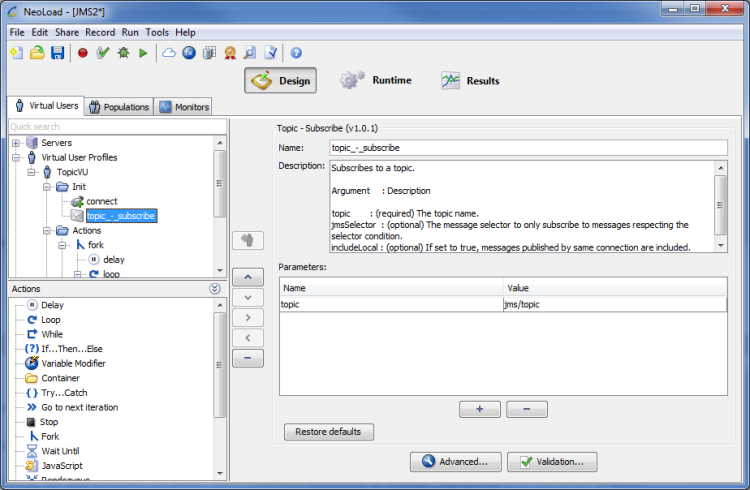
Parameters
Example
An example of topic subscription:
The Topic - Unsubscribe JMS Advanced action is used to unsubscribe from a topic.
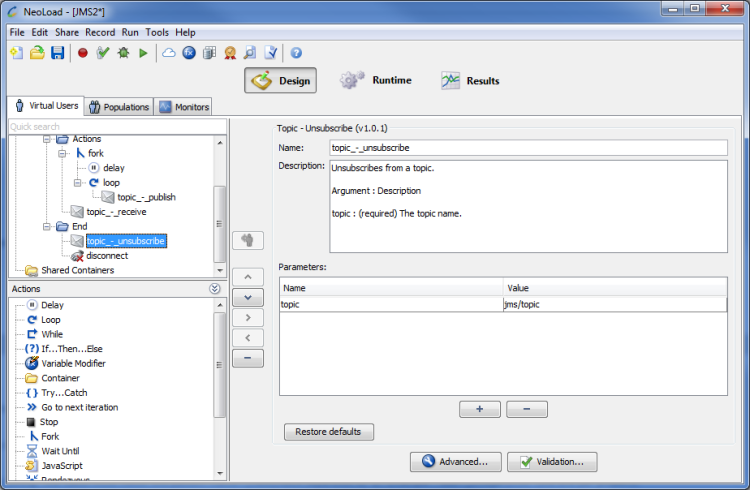
Parameter
Example
An example of unsubscribing from a topic:
The Topic - Publish JMS Advanced action is used to publish a message to a given topic.
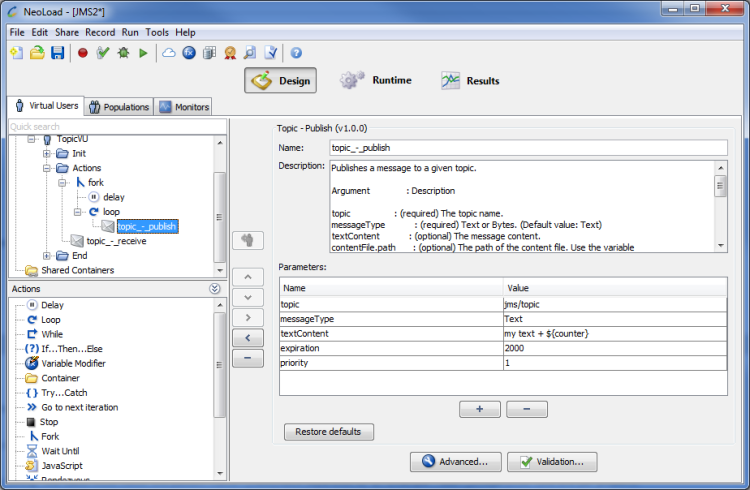
Parameters
'${NL-CustomResources}' to access on the Load Generator the synchronized resources located in the 'custom-resources' folder of the project.DeliveryMode.NON_PERSISTENT.size=[Integer]150.Tip: Click the pencil icon to add a row per property when editing in the multi-lines dialog.
Examples
An example of sending a text message:
An example of connecting to a Oracle Weblogic topic:
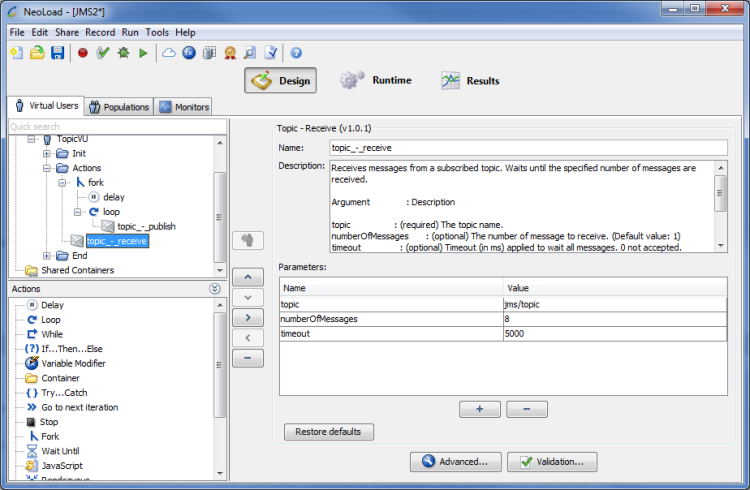
The Topic - Receive JMS Advanced action is used to receive messages from a subscribed topic. It waits until the specified number of messages are received.
Parameters
Example
An example of receiving 10 messages from a topic: