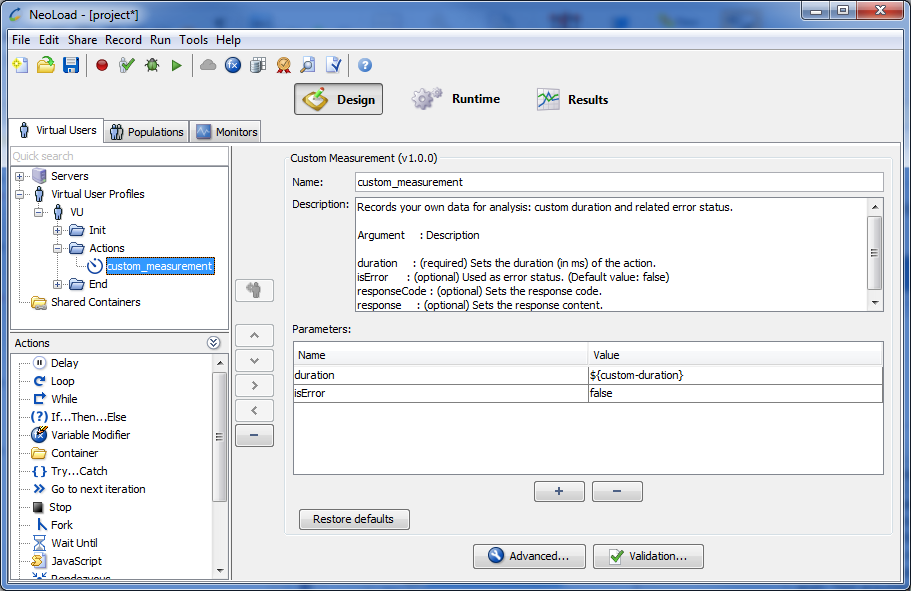
The Custom Measurement Advanced action enables you to record customized data to perform an analysis of an action.
Typically used to track the values of a Neotys Design Studio variable over time, the variable value being generally extracted from an HTTP or SQL response, or computed by Javascript. This is very interesting to monitor a business metric of an application like the number of orders being processed in the previous minute for example.
Parameters:
The Store External Data Entries Advanced action stores several values at a time using the Data Exchange API. Theses values are referred to as “External Data” in the Runtime and Results tabs. A typical use is to grab business-related metrics through a Variable Extractor or through the SQL action and store them for later analysis. The entry values can be structured in a tree by specifying different paths in the path parameter.
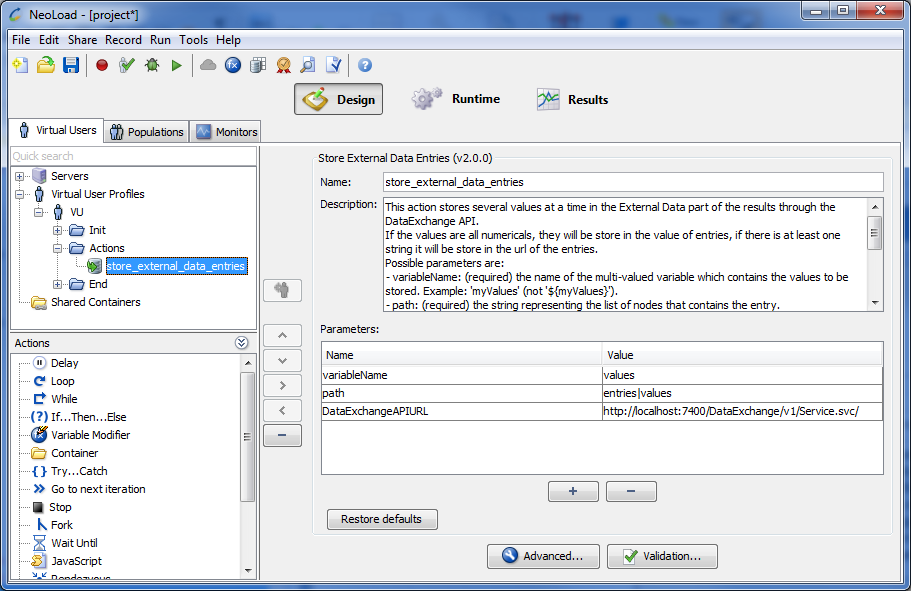
Parameters
myValues” (not “${myValues}”).PASS and FAIL.Examples:
An example of values stored from a multi-valued variable:
idsindex|idsA full example of values stored from a multi-valued variable:
categoriesindex|categoriesERROR_INVALID_HANDLEThe handle is invalid.FAILhttp://localhost:7400/DataExchange/v1/Service.svc/myKeyThe Store External Data Entry Advanced action stores a numerical value using the Data Exchange API. This value is referred to as “External Data” in the Runtime and Results tabs. A typical use is to grab business-related metrics through a Variable Extractor or through the SQL action and store them for later analysis. The entry values can be structured in a tree by specifying different paths in the path parameter.
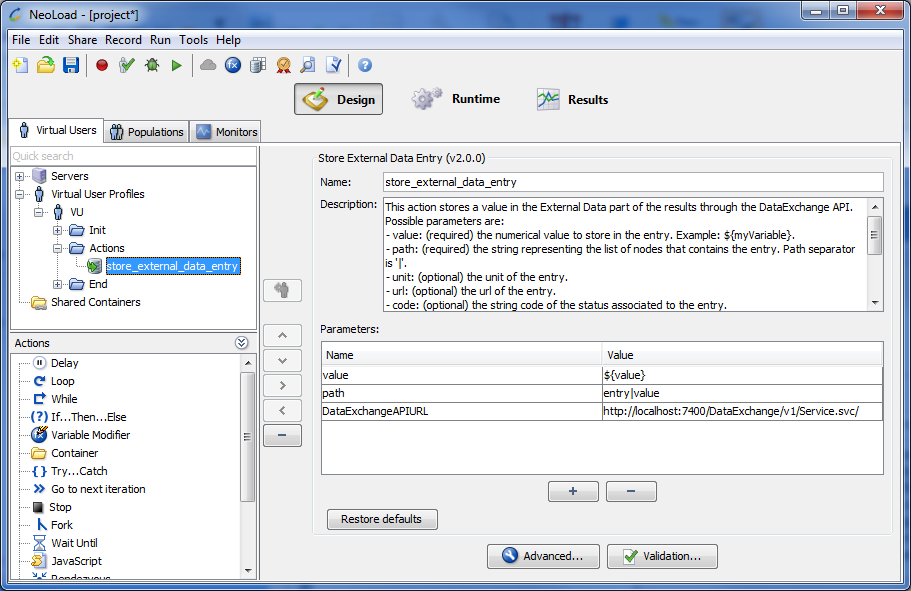
Parameters
${myVariable}”.PASS and FAIL.Examples:
An example of values stored from a variable:
${time}timehttp://localhost:7400/DataExchange/v1/Service.svc/A full example of values stored from a variable:
${executionTime}variables|int|executionTimehttp://www.myapp/script1ERROR_INVALID_HANDLEThe handle is invalid.FAILhttp://localhost:7400/DataExchange/v1/Service.svc/myKey