Neotys Design Studio can record a WebSocket request automatically, composed of a WebSocket channel and a number of WebSocket requests.
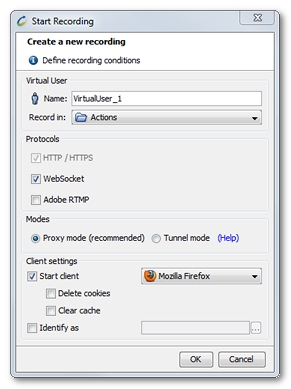
In Neotys Design Studio, a click on the Start Recording toolbar button displays the Start Recording dialog.
The WebSocket protocol option is checked by default : when the web application establishes a WebSocket connection, Neotys Design Studio automatically detects it and records it. The WebSocket request detects the presence of a proxy server and automatically sets up a channel to pass through the proxy. The channel is established by issuing an HTTP CONNECT statement to the proxy server, which requests for the proxy server to open a TCP/IP connection to a specific host and port. Once the channel is set up, communication can flow unimpeded through the proxy.
When recording a WebSocket request, Neotys Design Studio logs the WebSocket channel and actions:
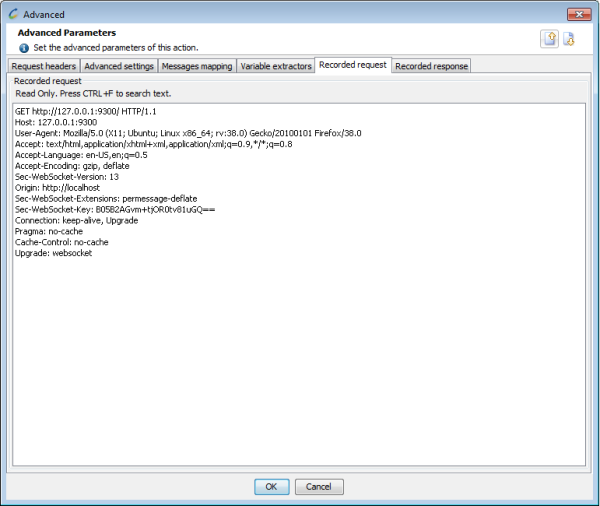
In the recorded WebSocket channel Advanced properties, the Recorded request tab shows the connection request.
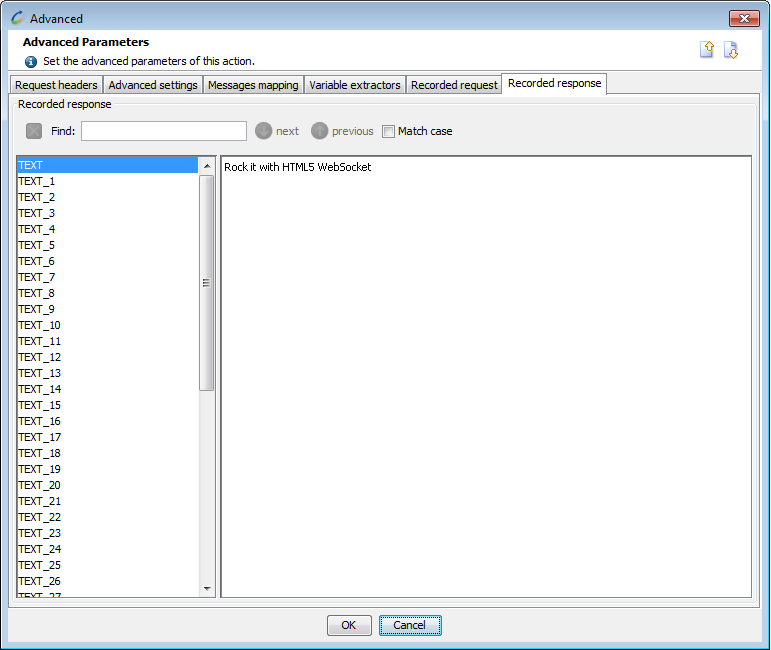
In the recorded WebSocket channel Advanced properties, the Recorded response tab shows the response recorded in the WebSocket.