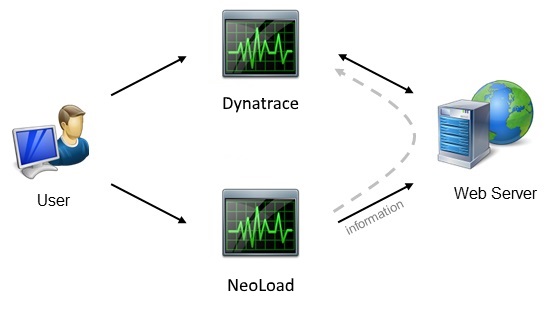
With the module for Dynatrace, Neotys Design Studio can send data during a test to match Neotys Design Studio requests with the analysis performed by the Dynatrace server.
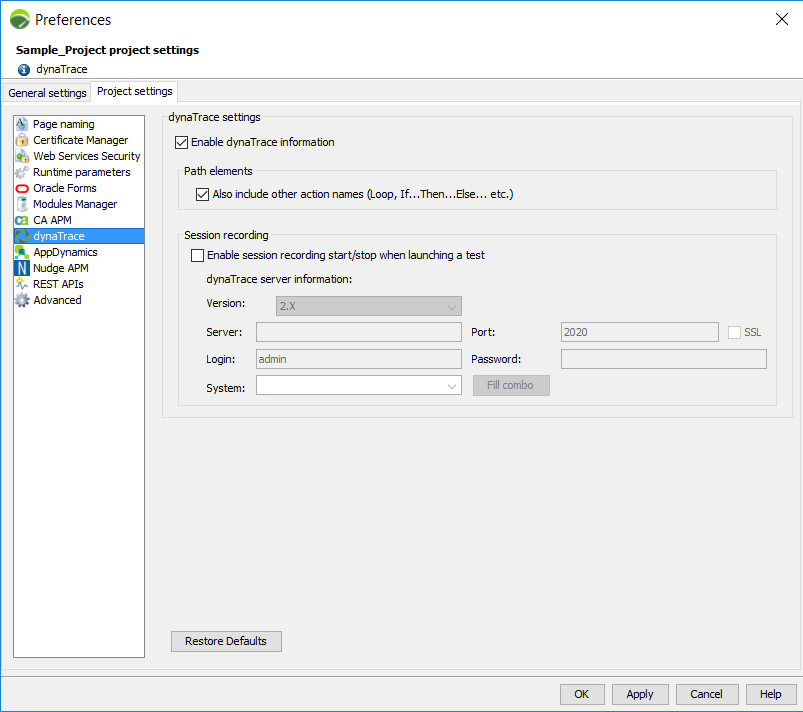
When the Enable dynaTrace information option is selected, the Dynatrace module sends a specific HTTP header that allows the Neotys Design Studio requests to be correlated using Dynatrace code analysis. The information corresponding to the Neotys Design Studio requests can then be viewed in the Dynatrace client Diagnose Performance > Tagged Web Requests section.