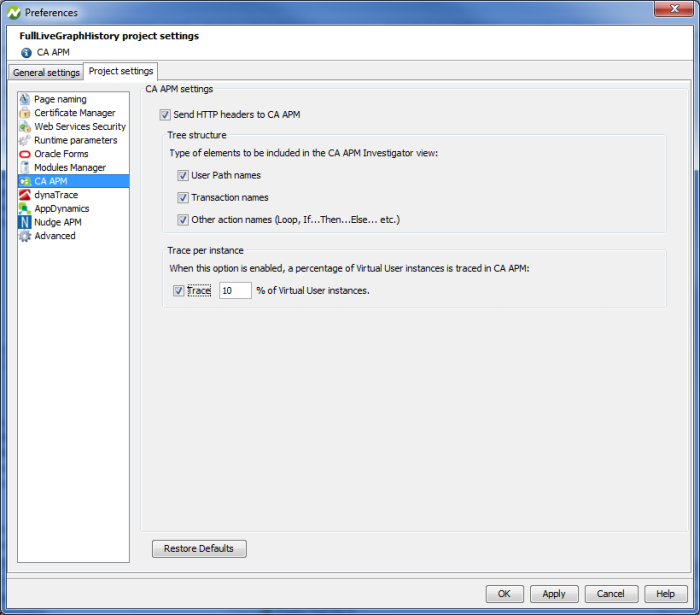
To configure data transmission to the CA APM solution, select the option Send HTTP headers to CA APM.
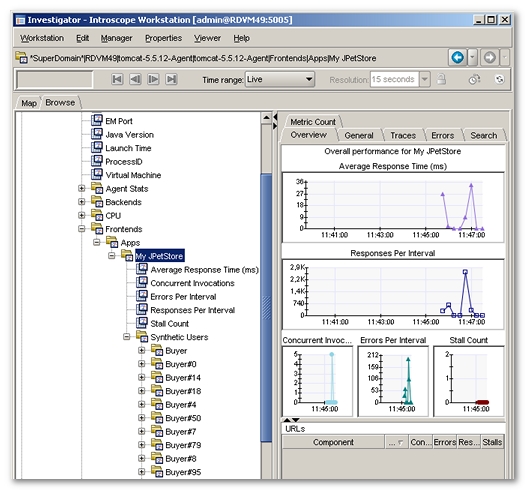
Neotys Design Studio then sends additional HTTP request headers with information about Virtual Users and transactions. This information is extracted by the CA APM Agents and enables CA APM to segregate web page response times and other performance metrics by Virtual Users and transactions under the Front end branch of the Investigator window in the CA APM Workstation and WebView tools.
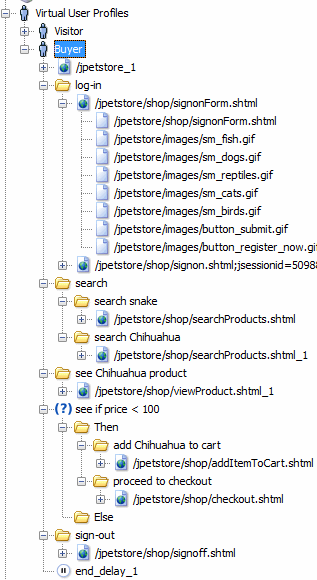
As the User Path is validated, data related to the Virtual Users simulated is fed into the CA APM Agents and stored in CA APM SmartStor database along with all other metrics.
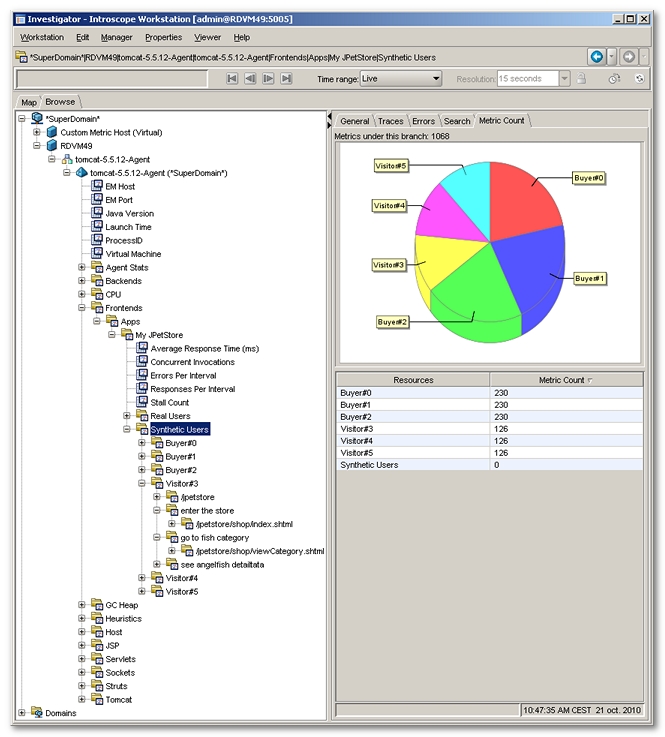
In the Tree Structure section of the CA APM Preferences panel, three option boxes are available to configure the path of the executed request. Each element in the path represents a tree node in the CA APM Investigator view:
When the Enable tracing by Virtual User option is selected, CA APM traces a percentage of the Virtual User instances. This percentage must be a decimal number between 0 and 100. This value expresses the probability a Virtual User instance has of being traced. For example, a load test using 100 Virtual Users and with a tracing percentage set at 10% will return specific metrics for approximately 10 instances and global statistics for the remaining 90 ones. The metrics provided for the non-traced Virtual Users are merged into a same node labeled with the name of the Virtual User.