Apply a Service Level Agreement to test results
This action allows:
- moving an SLA profile into several test results, and
- re-computing the test result summary using the new configuration.
- To apply SLA profiles to a set of test results
- Open the SLA Profile Manager.
- Select an SLA profile.
- Click Apply the SLA profile to test results.
- A wizard is displayed allowing you to select the test results to which the SLA profile is to be applied.
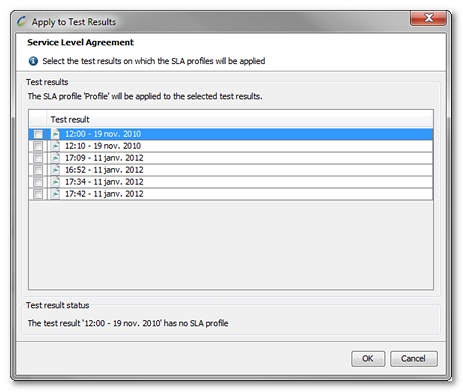
- Click OK. Depending on the test results selected, this operation may take some time.