- edit the name of the project
- change or confirm the default directory where Neotys Design Studio projects are saved.
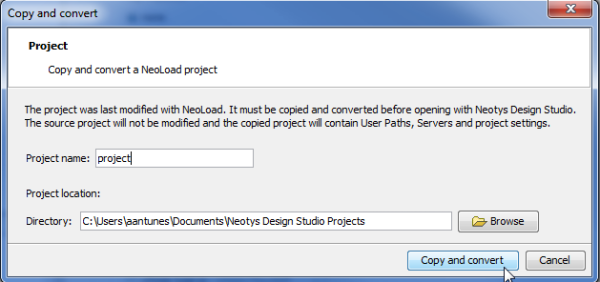
The project is copied and converted at the location specified.
A project last modified with NeoLoad (i.e. a project that contains populations, results or monitoring data) needs to be converted in order to be opened with Neotys Design Studio.
When opening a NeoLoad project, Neotys Design Studio will prompt you to copy and convert the project.
The project is copied and converted at the location specified.