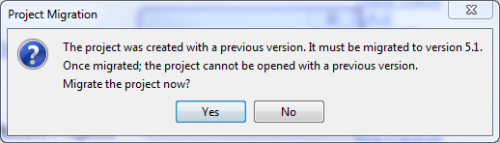
When opening a project, Neotys Design Studio checks its version. If the project version requires an upgrade, Neotys Design Studio prompts you to migrate it to the current version.
Information: It is recommended to back up the project in the previous version of Neotys Design Studio before migrating it. For more information, see Export a Project.
To migrate a project
Open the project you want to migrate.
In the Project Migration dialog, click Yes when prompted "Migrate the project now?".